


If you're running advertisements on Facebook and find it crucial to track the number of visitors landing on your booking page from these ads, create remarketing audiences, and generate lookalike audiences, Trafft's booking page integration with Facebook Business is the solution you need.
Simply connect your Trafft account with your Facebook Business account to unlock these powerful features.
To enable this integration, navigate to the Features & Integrations section within Trafft. Locate "Meta Pixel", and with a simple click on the "Enable" button, you can activate the integration.
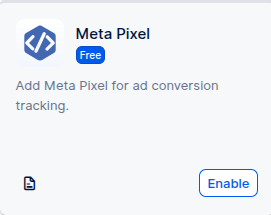
After enabling the integration, the card will refresh to display a 'Set Up' button. Clicking this button will open a new page with instructions on how to find your Pixel ID. Once you have your Pixel ID, simply paste it into the designated field as shown in the image below.
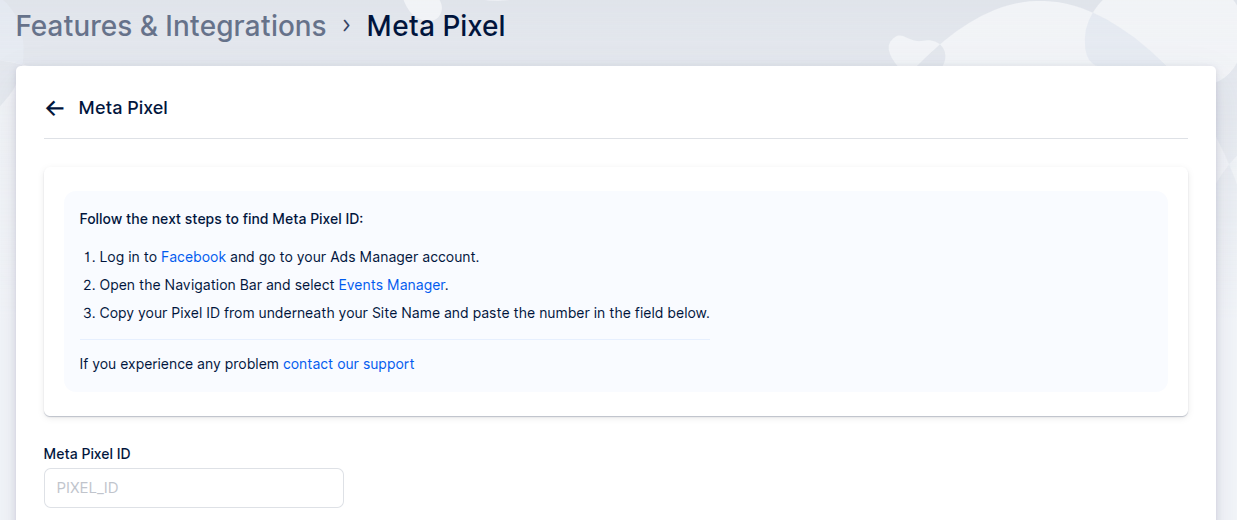
After pasting your Pixel ID, click on the 'Save Changes' button that appears at the bottom of your screen. This action will complete the connection between your Facebook Ads account and your Trafft account.
By enabling this feature and entering your Pixel ID, you can track visitors from Facebook ads to your Trafft booking page, create remarketing audiences, and utilize look-a-like audiences for targeted advertising.
Have more questions
If you face an issue, and cannot find an answer in the documentation, feel free to submit a support ticket!
Contact us