








Hay muchas decisiones involucradas en la creación de un negocio de fotografía. Estas van desde la elección de marcas de cámaras, géneros fotográficos y tipos de lentes hasta la entrega de fotos a los clientes.
Muchos fotógrafos luchan por averiguar la mejor manera de compartir fotos con los clientes. Algunos eligen la opción de compartir archivos, que consiste en enviar imágenes digitales a los clientes.
Esta opción requiere un servicio confiable para compartir archivos de fotos, sin importar cuántas imágenes se envíen. ¿Cómo puede un fotógrafo elegir un método para compartir fotos y enviar imágenes de alta resolución con archivos de gran tamaño?
Este artículo mostrará a los fotógrafos profesionales tres métodos para compartir fotos con los clientes.
Factores a considerar al decidir cómo enviar fotos a sus clientes
Al elegir una opción de entrega, hay varios factores que un fotógrafo debe tener en cuenta.
Velocidad de entrega

Cuanto más rápido pueda compartir las fotos con los clientes, más satisfechos estarán. La gente lleva vidas ajetreadas, por lo que resulta difícil para los clientes encontrar tiempo para recoger sus fotos en persona.
Tus metas frente a las necesidades del cliente
Desde tus intenciones ayudará a determinar las herramientas que elijas, define tus objetivos antes de compartir tus fotos. Hazte preguntas como:
- ¿Quiero que mis clientes seleccionen sus fotos favoritas de una galería de imágenes en línea como esta? colección de fotos de negocios ¿Y luego se los envío por correo electrónico? ¿O prefiero que descarguen estas fotos directamente?
- ¿Es mi objetivo impresionar a los clientes comerciales con la calidad de mis fotos y la eficiencia de mi sistema de entrega?
El necesidades del cliente también desempeñan un papel en la determinación del método de transferencia de archivos de imagen que elijas.
Por lo tanto, determina tu cliente objetivo y descubre cuáles son sus necesidades. Por ejemplo, los clientes comerciales pueden necesitar ver imágenes en alta resolución.
Coste
Esto se ve afectado por el tamaño del archivo y el espacio. Si vas a enviar muchos archivos PSD a una agencia, estos serán grandes, lo que dará como resultado un mayor costoso solución para compartir fotos.
Esto puede parecer extraño en una era tan tecnológicamente avanzada. Sin embargo, las cámaras digitales modernas tienden a crear imágenes de alta resolución que van de 16 a 50 megapíxeles. Imágenes de tan alta calidad dan como resultado tamaños de archivo más grandes.
Consideraciones adicionales
Aquí hay algunas preguntas más y factores a considerar:
- ¿Enviaréis pruebas?
- ¿Tus fotos incluirán una marca de agua?
- ¿Cuál será la imagen:
-
- Formato
- Resolución
- Color
Métodos sin conexión para entregar fotos a los clientes
Imágenes digitales

Si necesitas enviar imágenes digitales a tus clientes sin usar un servicio en línea, un dispositivo de almacenamiento portátil es la mejor manera de hacerlo. Cuanto más espacio necesites, más costará el dispositivo de almacenamiento.
Estos dispositivos van desde CD y unidades flash hasta tarjetas de memoria y discos duros externos.
Hoy en día, los CD y DVD rara vez se utilizan, ya que ofrecen poco almacenamiento y no se consideran medios de almacenamiento permanente, ya que se degradan con el tiempo. La mayoría de las computadoras ya no vienen con una ranura para estos dispositivos de almacenamiento.
Por el contrario, una memoria flash o un disco duro es fácil de transportar y ofrece mayor capacidad de almacenamiento. Sí, incluso en esta era rica en medios digitales, muchos fotógrafos aún entregan fotos a los clientes utilizando dispositivos de almacenamiento USB.
Estos dispositivos de almacenamiento se pueden personalizar con tu marca para impulsar tu estrategia de marketing al entregar fotos físicamente a tus clientes.
Ventajas
Compartir fotos con los clientes sin conexión puede no ser el método más rápido, pero tiene sus ventajas. Por ejemplo, el contacto uno a uno abre el camino para un mayor marketing con tus clientes.
Una de las principales ventajas de este método es que no necesita conexión a internet y el proceso es fácil de comprender.
Incluso un fotógrafo que utiliza un servicio de alojamiento de galerías en línea necesitará aprovechar los métodos fuera de línea en algún momento. Observe los siguientes ejemplos:
- Cuando se trabaja con clientes mayores
-
- Algunos clientes mayores no usan internet en absoluto. Una unidad flash suele ser la mejor manera de compartir fotos con clientes como este.
- Escuelas y oficinas gubernamentales
-
- Estas instituciones a menudo restringen o bloquean las descargas realizadas a través de su red de internet. Una memoria USB personalizada o un disco duro externo son una gran solución, dependiendo del tamaño del archivo.
Desventajas
Algunas de las desventajas de usar dispositivos de almacenamiento externo incluyen:
- El riesgo de archivos dañados y otras complicaciones que no se encuentran en el software de intercambio de archivos basado en la nube.
- El tiempo necesario para realizar entregas físicas.
Consigue más reservas con la herramienta adecuada para el trabajo
Mantenerse organizado nunca ha sido tan fácil.
Ahora puedes gestionar tu negocio y hacer crecer tu marca con un único y potente software que mantiene todas tus citas en orden, a tus clientes organizados y tu negocio en pleno auge.
Trafft es perfecto para los propietarios de negocios que necesitan optimizar su experiencia de reservas tanto para su personal como para sus clientes.
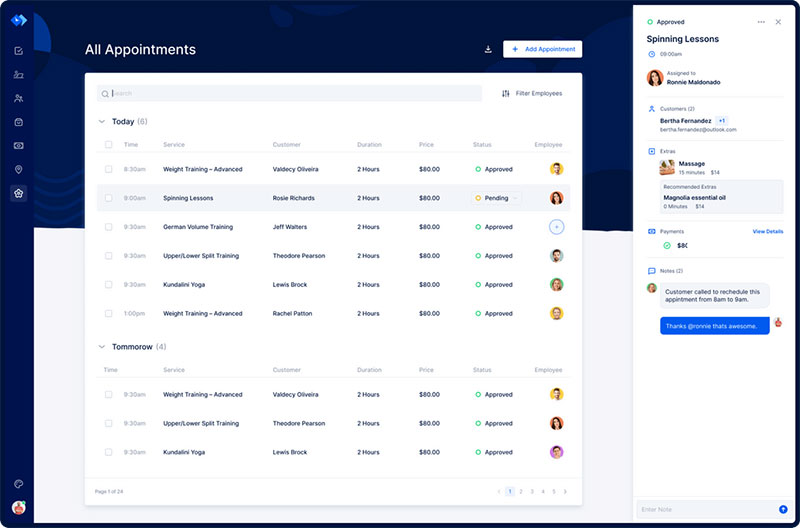
Trafft se encarga de todo por ti, incluso de enviar recordatorios automáticos por correo electrónico o SMS a tus clientes. ¿Incomparecencias? ¡Ya no más!
El software de reservas Trafft se adapta a diferentes industrias para ofrecer una experiencia de reserva en línea excelente y una gestión de empleados eficaz.
¿Quieres saber más? Consulta Las increíbles características de Trafft para ver lo que te estás perdiendo.
Servicios de intercambio de archivos fotográficos en línea
Muchos fotógrafos empiezan y continúan usando métodos de compartición de fotos en línea a lo largo de sus carreras. Los programas de software para compartir carpetas que permiten a ambas partes ver y comentar el trabajo fotográfico incluyen:
- Dropbox
- Caja
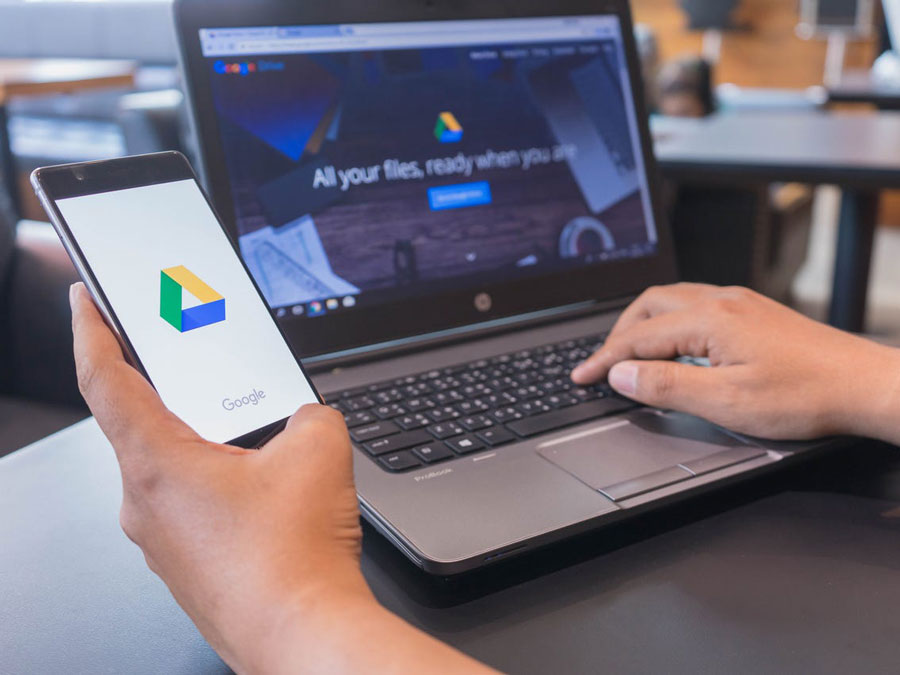
- Google Drive
- Hightail, etc.
Estos servicios de intercambio de archivos de alta gama son todos similares, así que elija el servicio que coincida con su estilo.
Ventajas
Estos servicios en línea son eficiente y fácil de usar. Empieza por poner tus fotos en una carpeta de proyecto, luego sube la carpeta al servicio de compartición de archivos y envíale el enlace de descarga al cliente.
También crean un espacio donde el cliente pueda sentirse un sentido de colaboración creativa en el proyecto. Dar al cliente esta sensación a menudo lleva a que confíe en ti y te ofrezca más trabajo.
Si decides utilizar la opción en línea, aquí tienes algunos detalles sobre estos servicios profesionales de intercambio de archivos.
WeTransfer
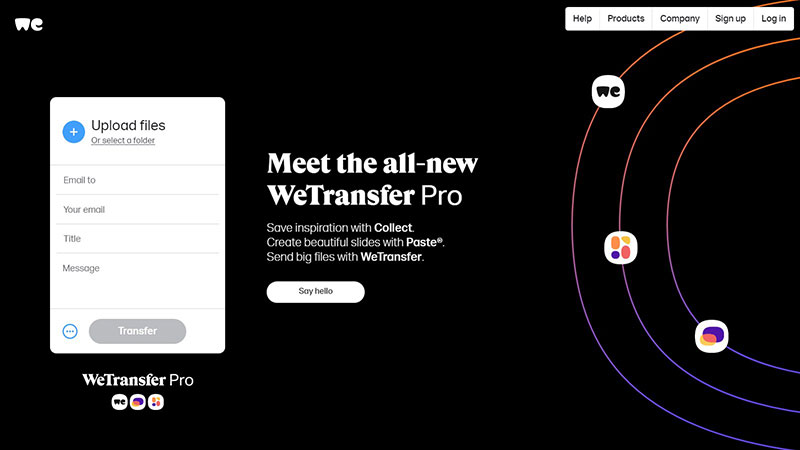
WeTransfer es una opción para compartir archivos que permite compartir fácilmente fotos con los clientes mientras se realiza un seguimiento de cuándo se abren.
Este espacio de transferencia de archivos sin interrupciones fue creado por Bas Beerens y Nalden en 2009 como una forma de enviar archivos grandes. WeTransfer es uno de los servicios de compartición de archivos más eficientes disponibles. Él es gratis y no necesita una cuenta para ser utilizado.
Para usar esta opción, introduce tu dirección de correo electrónico y la del cliente. A continuación, adjunta el archivo de fotografía y pulsa enviar. El cliente recibirá un correo electrónico indicándole que se ha recibido un WeTransfer.
El cliente verá los nombres de los archivos de fotografía incluidos en la transferencia y una opción de descarga. Una vez descargadas, todas las fotos se guardarán en el dispositivo del cliente en una carpeta de WeTransfer.
A diferencia de la versión gratuita,La versión de pago te permite compartir archivos más grandes. Con la versión de pago se puede transferir hasta 20 GB de archivo o comprimido.
Esto no requiere cremallera (al igual que los pantalones “Home job”). Esta versión también permite al remitente seleccionar cuánto tiempo permanecen accesibles las transferencias.
Dropbox
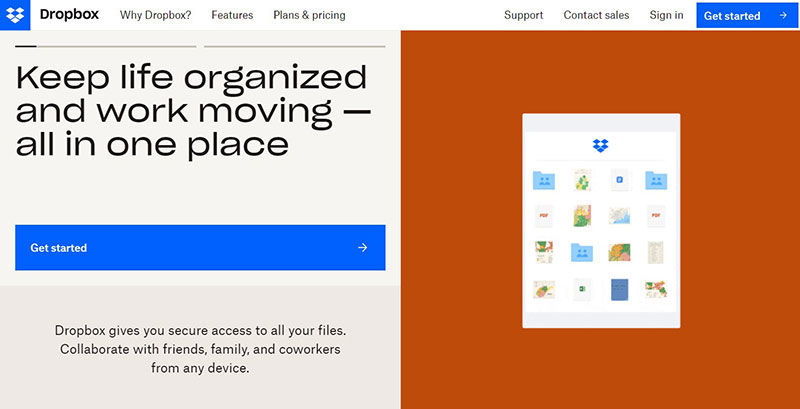
Dropbox es un poco diferente de WeTransfer en que el usuario no necesita comprimir en ZIP y “subir” las imágenes. Cuando el fotógrafo instala Dropbox en su computadora, se crea una carpeta de Dropbox.
Esto a su vez sincroniza el contenido de la carpeta con la nube. Esta función hace que compartir fotos sea fluido. El fotógrafo simplemente tendría que exportar sus imágenes a la carpeta de Dropbox seleccionada.
Dropbox sincronizaría entonces estos archivos con la nube y crearía un enlace para que lo compartas con tu cliente. Este enlace le da al cliente acceso a las imágenes hasta que el fotógrafo las retire de la carpeta en su computadora.
Google Drive
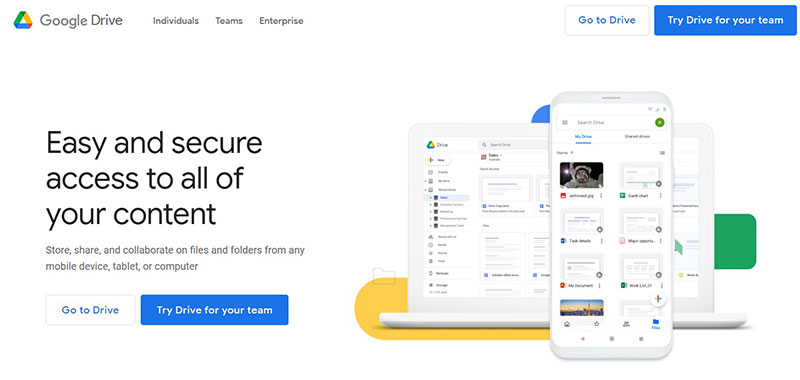
Muchas personas están familiarizadas con esto gratis y la opción de compartir archivos rápidamente de Google. Es una excelente opción para enviar archivos de imagen a tus clientes.
Algunos fotógrafos consideran Google Drive ser la mejor manera de entregar fotos a los clientes. Google Drive ofrece numerosas opciones de compartir. Por ejemplo, un fotógrafo tiene la opción de enviar un solo archivo o varias carpetas.
Al igual que con Dropbox, el fotógrafo puede otorgть permisos de visualización y edición a quien elija.
Google Drive es protected by Google itself making it safe for both business and personal use. It includes hundreds of cutting-edge security features designed to manage and secure your data.
Smash

This gratis photo-sharing site is one of the best ways to transfer high-resolution photos to your clients. Smash can function as an alternative to WeTransfer when sending large files.
The free version of Smash does not have a transfer size limit so one can send very large files in a single transfer. These files are automatically deleted after 14 days but are kept for a year if the premium version is used.
To use the free version no registration is needed. Simply drag and drop your photos to get started. Smash is an easy-to-use file-sharing website that does not include confusing buttons and layouts.
Hightail
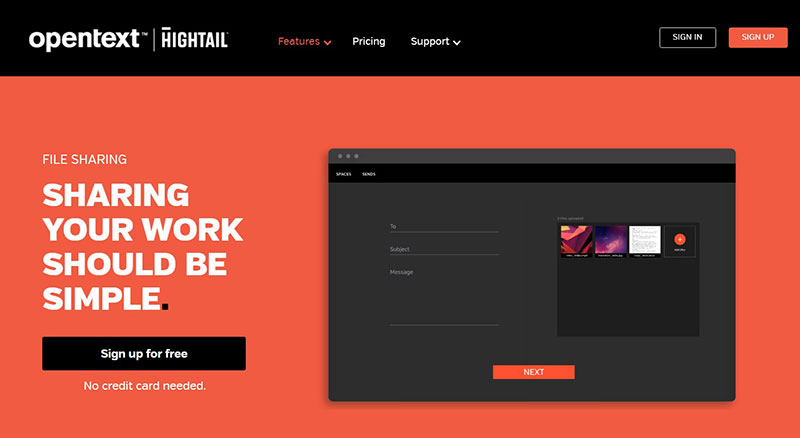
This gratis photography file-sharing website allows you to send large files. It allows you to send files of up to 100MB. Once these image files are received by the client, the sender will get a notification added to their tracker.
Hightail gives the recipient a visual preview of the images within the file and allows them to make comments on individual files. Hightail's features create a collaborative atmosphere that encourages client feedback.
This media-sharing website has a smooth drag-and-drop image feature that gives the user complete control of their content. It also allows the user to:
- Track files
- Set time limits
- Share PDFs
- Share presentations
- Share media
- Protect files
Hightail is functional with a variety of file formats such as:
- MOV
- PNG
- PPT
- MP3
Envío de fotos a clientes utilizando servicios de galerías de fotografía en línea
The next professional step for your photography business is to use an online photo gallery to send photos to your clients. A photo gallery gives a client access to the online space that showcases your finished photography images.
The photographer is usually required to upload the images to the gallery once editing is completed.
To save you time the system will resize the uploaded high-resolution photos based on the client's specifications. This is especially useful for busy photographers with clients who need multiple file sizes for each image.
Once the resizing is done the photographer will share a link to the site with the client so he/ she can view their images. The client will also be able to share, download, or print the photos.
Most online photography galleries are similar to one another. Note the following examples.
Pixieset
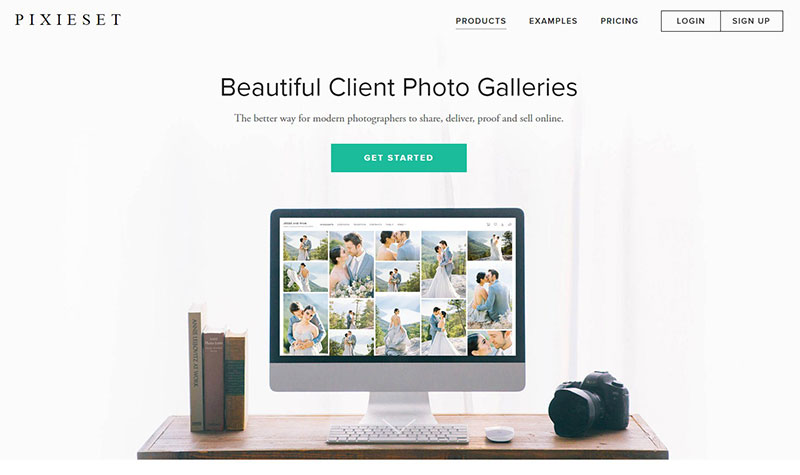
This gallery service is specifically for photography. It has a gratis and a paid version but the free version is usually enough for almost any photography business.
Like other galleries, Pixieset will notify you if clients download the gallery. Pixieset is a better way to send images than other sharing applications because:
- The free version of Pixieset will remain free forever since a credit card is not required.
- It offers delivery and tracking proof for photographers.
- It offers client-sharing options.
- Its 1000 photo limit can last a long time if one purges old galleries.
- It is secure, allowing clients to download photos with a 4-digit PIN code.
Pixieset allows the client to choose their favorite photos from the gallery by clicking a small icon on the image.
Pixieset will send out a notification when the client does this. Another awesome bonus feature of Pixieset is its Lightroom plug-in.
Your photos will look awesome in their galleries! But, Pixieset's downside is that it may be a bit over the top if you're sending a small number of photos.
Shootproof
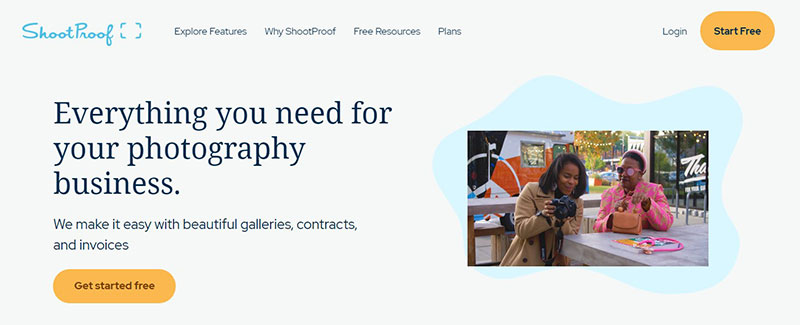
Shootproof has similar features to Pixieset and functions as a great alternative. It has an intuitive layout and creates custom photo galleries for sending your images to clients.
Some photographers choose Shootproof because it features quality tools for a photography business. These include the ability to:
- Create and send contracts
- Sell prints and wall products
- Create custom discounts
- Create professional invoices
What about clients downloading photos without your permission? Shootproof helps you prevent this by adding a watermark to the photos in the gallery.
When you need to send photos to clients using a professional gallery, Shootproof is the top choice.
Prodibi
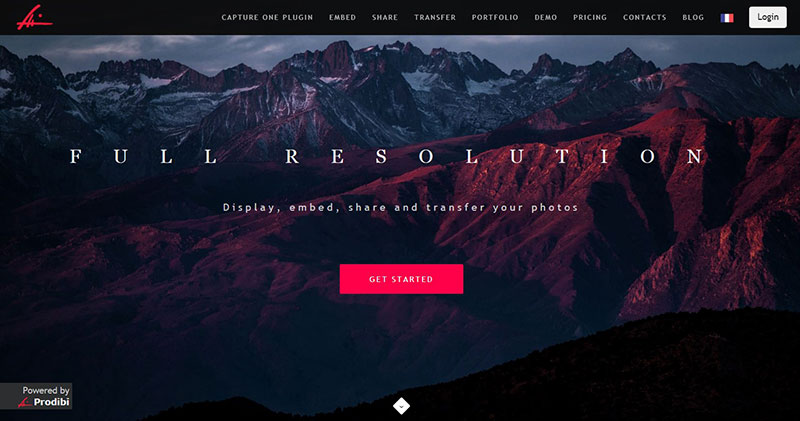
This Swiss-based app is often referred to as the "Cadillac of photo-sharing solutions". It allows the user to embed, display, or transfer high-resolution photos at great speed.
Prodibi is a top pick for professional photographers, especially when paired with the Capture One plug-in. This plug-in helps with collecting feedback from clients about full resolution proofs.
Prodibi's photo galleries are optimized for mobile and web use so clients can download digital files easily. The app allows you to add keywords to your Capture One session or catalog.
It also allows you to update your website or WordPress site at full resolution. A special feature of the Mac version is that one can detect faces by emotion, gender, or age.
Preguntas frecuentes sobre la entrega de fotos a los clientes
1. What file format should I deliver my photos in?
The JPEG format is most frequently used by photographers since it is widely accepted and is simple to read on most devices. TIFF or RAW formats, on the other hand, can be required for customers who demand higher quality or bigger file sizes.
2. How should I organize my delivered photos for the client?
To organize the images for the customer, distinct folders or albums can be made based on the event or session, the date, or even the genre of the shot. Giving the client access to a simple, well-organized framework can make it simpler for them to find the photos they require.
3. What resolution should I deliver my photos in?
Depending on how the images are going to be used, the resolution will vary. Higher resolutions are necessary if the client intends to print the images at a significant size. Lower resolutions are sufficient for posting on social media and online.
4. Should I deliver my photos with watermarks or without?
Whether or not to use watermarks in the images is up to the photographer's decision. While watermarks help stop the illicit use or copying of photographs, they can also make for a less satisfying viewing experience for customers.
5. How many photos should I deliver to my clients?
The scope of the project or session determines how many images are supplied to the client. Photographers typically offer a variety of shots, choosing the best and most accurate ones to give the customer enough coverage of the event or session.
6. How long should I take to deliver photos to my clients?
Delivery timelines can change depending on the size of the project, how many images need to be produced, and the workload of the photographer. But, setting clear expectations for delivery with the client and keeping to them can help.
7. Should I deliver all the raw unedited photos to my clients?
It is normally not advised to deliver all of the raw, unedited shots because doing so can overwhelm the client with an excessive number of unfinished, unpolished images. It's ideal to send a hand-picked collection of the top photos, with any extra editing or alterations carried out at the client's request.
8. How do I protect my photos from being stolen or used without permission after delivering them to the client?
Copyright notice or watermark, supplying images in low resolution, and requesting a written agreement or release form from the client prior to use are just a few strategies to prevent unlawful photo use.
9. Can clients request additional edits or changes after I deliver the photos?
After delivery, clients may ask for more edits or changes, but it's crucial to clarify upfront what is included in the package and any additional costs for additional edits or changes.
10. Should I include a copyright release form with the delivered photos?
A copyright release form helps safeguard the photographer's intellectual property and make the client's usage rights clear. Controversies or misunderstandings, later on, can be avoided by including a form that specifies how the images can be used and any restrictions.
Reflexiones finales sobre las mejores formas de compartir fotos con los clientes
Photographers tend to focus on shooting beautiful photos, but the product is not complete until delivered. This part of the production process is essential but often overlooked.
It is especially important for professional photographers and image Cutout service providers. When it comes to delivering photos to clients, research is necessary.
Examine your budget, needs, and the needs of your clients. Compare these to available online image-sharing applications. Then determine the best way for you to share your photos with clients.
If you enjoyed reading this article on delivering photos to clients, you should also read this one about real estate photography marketing.
We also wrote articles about similar subjects like portrait photography pricing guide, how to get more photography clients, becoming an event photographer, how to become a licensed photographer, social media marketing for photographers, real estate photography contract, appointment scheduling for real estate agents, how to get your photography noticed y photography mood board.