




If you’re comparing Trafft and Reservio, you’re probably trying to solve the same core problems: letting clients book online, sending automatic reminders, taking payments, and keeping team schedules under control. On the surface, both softwares promise similar outcomes, which is exactly why the comparison keeps coming up.
No matter if you’re a solo service provider who wants something simple and reliable, small team that needs shared calendar and fewer no-shows, or a growing business, by the end of this article you will have a clear answer to the question: which of these two actually fits the way you run your business, not just the feature list.
Quick Verdict (Pick This If…)
Choose Trafft if you need…

A booking system you can embed directly on your website, including full WordPress support, and grow with as your business scales from solo to larger teams or more complex setups.
Trafft also makes more sense if you expect to build custom workflows over time. API access, Zapier connections, and webhooks give you room to connect booking data with your CRM, email tools, internal systems, or anything else you rely on operationally.
In short, Trafft fits better if your booking tool needs to adapt to your stack, not the other way around.
Choose Reservio if you need…
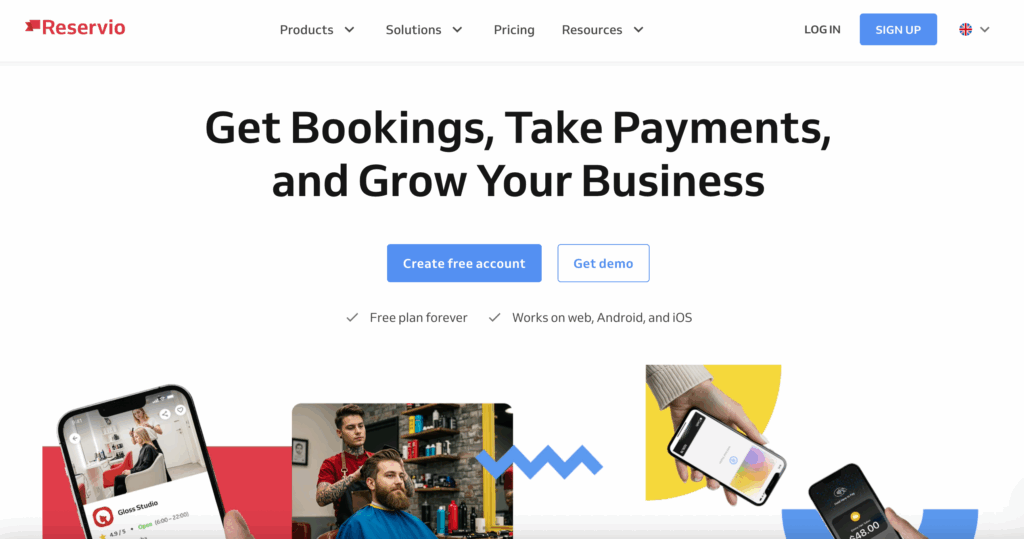
An all in one, operations focused setup where online booking, payments, and POS functionality are treated as one bundled system rather than separate parts.
Reservio is also the easier choice if you want quick, straightforward integrations and ready made widgets for common website builders like Wix and Squarespace, without touching anything technical.
If you prefer a plug and play tool that covers scheduling, payments, and in person sales with minimal setup, Reservio usually feels more comfortable out of the box.
At-a-Glance Comparison Table
Trafft vs Reservio
Feature |
Trafft |
Reservio |
Best for |
Service businesses that want flexibility and room to scale, from solo providers to larger teams and multi-location setups |
Solo providers and small to mid-size teams that want a ready-to-use scheduling and payments system |
Booking experience |
Website embed, WordPress integration, hosted booking page, direct booking links |
Booking widgets, hosted booking page, booking links for websites and social profiles |
Payments |
Online payments and deposits without per-booking commission |
Online payments, deposits, and refund handling built into the platform |
POS |
Not a core focus |
Integrated POS positioning for in-person payments |
Integrations |
Calendar sync, Zapier, API, webhooks for custom workflows |
Calendar sync, email marketing tools, and common business integrations |
Mobile apps |
Mobile apps for managing bookings and schedules |
Mobile apps for staff and business management |
Reporting and analytics |
Booking and revenue insights with scaling in mind |
Clear, operational reporting for day-to-day business tracking |
Support and scaling |
Designed to grow with larger teams and more complex workflows |
Focused on simplicity and fast setup for everyday operations |
Pricing model |
Tiered plans with no commission per booking |
Tiered plans based on features and business size |
Booking Experience (Client-Side UX)
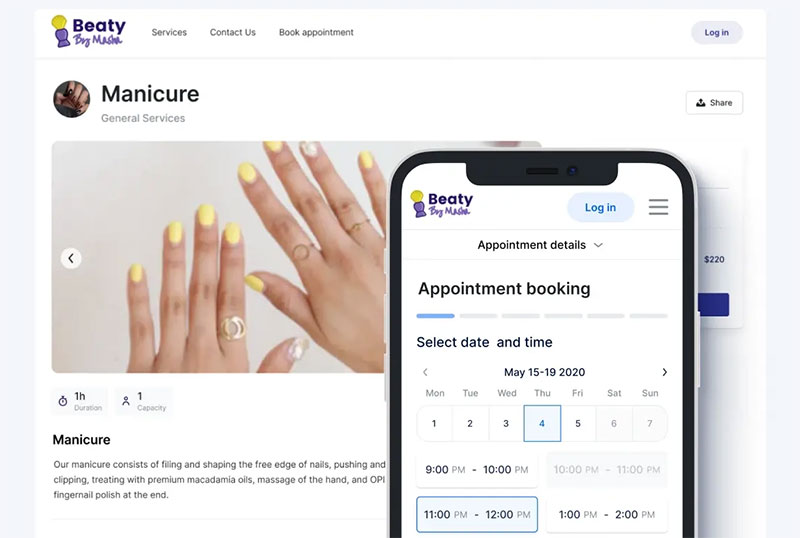
Trafft is built around a website-first booking experience. Appointments are embedded directly into your site, including native WordPress support, so clients book without being redirected to third-party pages.
If you don’t have a website, Trafft automatically generates a booking page with your chosen domain. This keeps the whole booking experience on your domain, consistent with your branding, whether you have a site or not.
Reservio, by comparison, relies more on external booking buttons and widgets placed across different website builders. While this works for fast setup, it often means sending users away from your core site experience rather than fully integrating booking into it.
Payments and No-Show Protection
Reservio online payments overview
Reservio positions online payments as part of an operational bundle. Bookings can be secured with upfront payments, the checkout experience is mobile-optimized, and refunds are handled when appointments are canceled. Payments are presented alongside POS functionality, which signals a stronger focus on in-person transactions and front-desk style operations.
This setup can work well for businesses that want scheduling and point-of-sale under one roof, but it also ties payments closely to Reservio’s predefined flow.
Where Trafft takes a more flexible approach
With Trafft, payments are treated as a no-show prevention tool, not just a checkout step. You can choose deposits or full prepayment depending on the service, client type, or business rule, without forcing a one-size-fits-all model.
Trafft supports major online payment gateways like Stripe, PayPal, Square, Mollie, and Authorize.net, which gives you flexibility to use the provider that already fits your business and region.
Refunding handling stays transparent and predictable, and payment data is clearly separated from booking logic, which makes reporting easier to understand and act on. This matters when you need to see which services generate revenue, which ones cause no-shows, and where policy changes would actually make an impact.
Integrations and Workflow Fit
Reservio integrations
Reservio focuses on the essentials most service businesses expect out of the box. It offers direct calendar sync with Google Calendar, Outlook, and Exchange, along with built-in connections to common marketing tools like Mailchimp. This covers the core operational needs without much setup or configuration.
Reservio also emphasizes website builder compatibility. Booking widgets and buttons can be added to platforms like WordPress, Wix, Squarespace, Magento, GoDaddy, and more, which makes it easy to drop booking into an existing site without touching custom core or worrying about deeper system logic,
This approach works well if your main goal is to plug booking into the tools you already use and move on.
Trafft integrations
Trafft is built for businesses that treat scheduling as part of a larger system, not a standalone tool. Instead of limiting you to a fixed set of integrations, Trafft gives you API access, Zapier support, and webhooks, so booking data can flow into CRMs, email platforms, internal tools, accounting systems, or custom workflows.
Trafft syncs directly with Google Calendar, Outlook, and Apple Calendar, so staff availability and appointments stay aligned in real time with manual updates or double bookings.
For online services and remote appointments, Trafft integrates with Zoom and Google Meet. Meeting links are generated automatically when a booking is confirmed, which removes back-and-forth emails and makes the experience smoother for both clients and staff.
On the marketing side, Trafft connects with email platforms like Mailchimp, so new bookings and client data can be passed into your email lists automatically. This makes it easy to run any marketing campaigns without manual exports, keep your audience segments up to date, and trigger service-specific follow-ups, or rebooking reminders based on real appointment activity.
Team Scheduling and Scaling
Reservio
Reservio is aimed at solo providers and small to mid-sized teams that want a straightforward staff scheduling setup. It covers basic team management and supports multiple locations, but it is built more around a front-desk style workflow than complex internal operations.
For businesses that just need shared calendars, staff availability, and a simple way to manage bookings across one or a few locations, Reservio gets the job done without much setup. It works best when your needs are predictable and your scheduling process doesn’t change much over time.
Trafft
Trafft is built to work just as well for freelancers and small teams as it does for larger, multi-location operations and enterprise setups. Solo providers can run a clean, simple booking system without unnecessary complexity, while small teams get shared calendars, staff scheduling, and role-based access as soon as they start growing.
As the business grows, Trafft’s structure does not break. It supports multi-location scheduling, higher booking volumes, and more complex operational needs through higher-tier and enterprise plans. This makes it a practical long-term choice for companies that don’t want to migrate platforms every time they add staff, open new locations, or introduce more advanced workflows.
The result is one system that fits a freelancer today, a growing team tomorrow, and a multi-location or enterprise operation down the line, without forcing a change in tools as the business evolves.
Pricing and Value for Money
Trafft and Reservio both offer free versions, but Trafft’s pricing structure gives you more practical value as you grow. Trafft’s free plan already includes unlimited appointments, calendar sync, a booking website, mobile apps, notifications, and basic payment support, all without a per-booking fee.
Trafft prices
Plan |
Best for |
Key Limits |
What You Actually Get |
Free |
Freelancers, solo providers, testing the tool |
Up to 5 users, 1 location |
Unlimited appointments, booking page, calendar sync, mobile apps, notifications, client management, basic services, no per-booking fees |
Starter $22.7/month |
Small teams that need payments and basic automation |
More users and locations than Free |
Everything in Free, plus online payments (Stripe, PayPal, Square, Mollie, Authorize.net), intake forms, Zoom integration, email marketing tools, custom working hours, basic reports |
Scaling $59.8/month |
Growing teams with more complex workflows |
Higher user and location limits |
Everything in Starter, plus Zapier, webhooks, custom domain, recurring services, advanced scheduling rules, better reporting, more automation control |
Enterprise $200/month |
Large teams, multi-location, high booking volume |
50+ users, custom limits |
Everything in Scaling, plus priority support, dedicated onboarding, custom feature needs, tailored limits, and enterprise-level controls |
Reservio also offers a free plan and paid subscriptions, with pricing usually based on user count or feature tiers. Its paid plans bundle scheduling with business management features like integrated POS, client management and reporting.
Reservio prices
Plan |
Typical Cost |
Booking Limits |
What’s Included |
Free |
$0/month |
Up to ~40 bookings per 30 days |
Basic booking calendar, booking website, email notifications, client management, mobile app access |
Starter |
$10/month |
Up to ~200 bookings per 30 days |
Everything in Free, plus calendar sync, statistics, SMS notifications, premium support |
Standard |
$20/month |
Up to ~500 bookings per 30 days |
Everything in Starter, plus custom domain, custom booking messages, passes & vouchers |
Pro |
~$40/month |
Unlimited bookings |
Everything in Standard, plus multi-level user access, permissions, remove Reservio branding, API access |
Enterprise |
Custom pricing (starts ~€40/month) |
Custom limits |
Multiple locations, advanced controls, tailored setup |
Best For Scenarios - Which One Should You Choose?
Best for solo providers
If you’re a freelancer or solo service provider, Trafft is the better fit. It keeps admin time low, gives you a clean booking flow that lives on your own site, and handles reminders automatically without extra setup. You can run your entire scheduling operation from one place without paying per booking or dealing with feature limits that force early upgrades.
Reservio can work for solo providers too, but its booking caps and bundled structure tend to create friction once your volume grows, even if your workflow stays simple.
Best for teams
For small to mid-size teams, Trafft again comes out ahead. It supports shared calendars, role-based permissions, and real-time calendar sync without forcing you into higher tiers just to unlock basic team functionality. Multi-staff scheduling feels more flexible, especially when availability rules or service types differ between team members.
Reservio covers basic team scheduling, but permissions and scaling features are more tightly tied to plan upgrades, which makes it less forgiving as your team grows.
Best for businesses that sell products in-person
If your business relies heavily on front-desk sales and in-person product checkout, Reservio makes more sense. It has POS as part of its core offering, which fits salons, studios, and wellness centers that want booking and point-of-sale handled inside the same system.
Trafft supports online payments well, but it is not designed around in-person POS workflows in the same way.
Best for business that need custom workflows
If your operation depends on automation, internal tools, or custom processes, Trafft is the clear winner. Its API, Zapier support, and webhooks make it easy to connect booking data to CRMs, email platforms, spreadsheets, accounting tools, or internal dashboards.
Reservio is better suited for fixed, out-of-the-box workflows. Trafft is built for businesses that want full control over how booking data moves through their systems.
So, Which One is Better?
The difference between Trafft and Reservio comes down to control and long-term fit.
Reservio works well for simple, front-desk-style operations that want booking, payments, and POS in one bundled system with minimal setup. It is a practical choice for small teams with predictable workflows that don’t plan to customize much.
Trafft, on the other hand, is built for businesses that care about flexibility, scalability, and clean integration with the rest of their stack. It works just as well for freelancers and small teams as it does for larger, multi-location operations. You get website-embedded booking, no per-booking fees, flexible payment rules, real automation options, and room to grow without being forced into early upgrades.