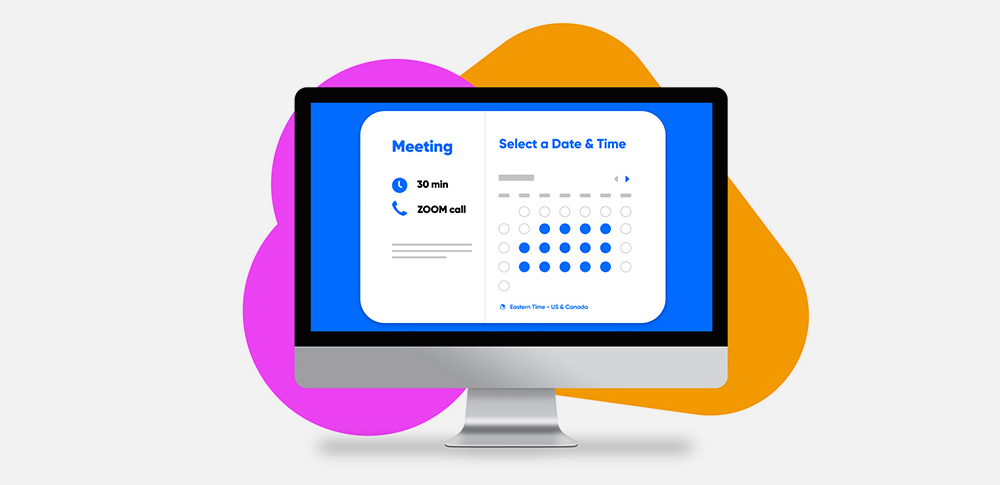
Scheduling is one of the biggest challenges when it comes to meetings. It can take a long time and many emails, text messages, and phone calls to find a time that works for everyone. Sometimes you even need to hold a premeeting to decide on the time of the actual meeting.
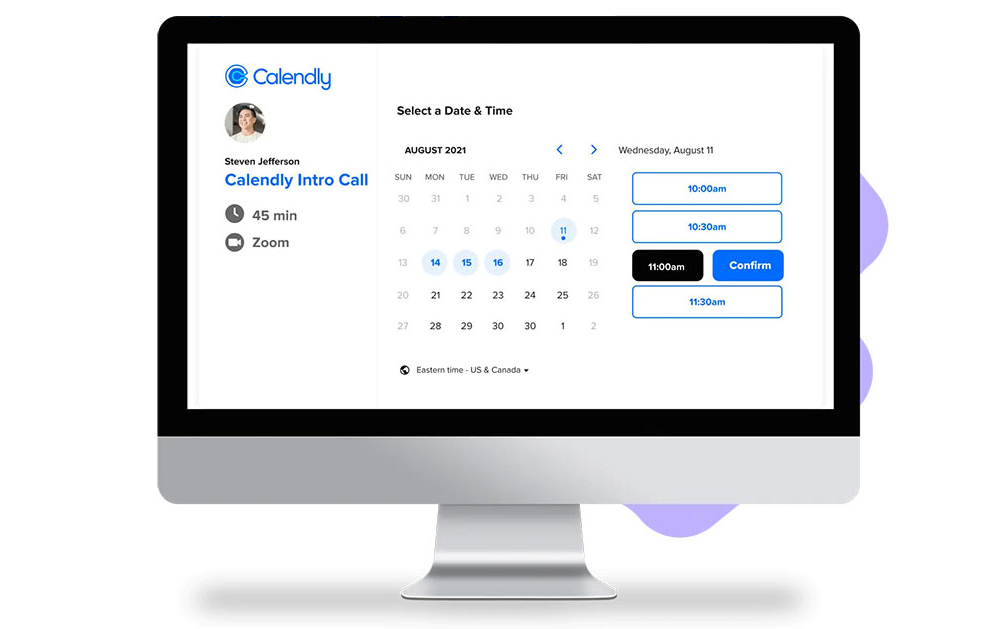
Calendly is a scheduler that makes organizing meetings much simpler. You can add integrations with other productivity tools.
Calendly is more than a simple calendar, like Google Calendar and Microsoft Outlook. Calendly integrates with your personal calendar application, which makes scheduling meetings much easier.
Many use Calendly in combination with apps, such as Google Meet, for scheduling meetings. The Calendly-Google Meet integration does not always work well and is problematic. Many have reported problems when they use the Calendly-Google Meet integration.
Examples of Problems with Calendly-Google Meet Add-in
- Availability Issue. Calendly takes care of your virtual appointments in Google Meet. It shares Google Meet links with the invitees in an email. They will receive that link even if they do not have the conferencing app installed on their devices. Sometimes that can be confusing, so by the time the meeting rolls around, they won't be ready. It ruins your meeting plans when that happens. Integrations with other online meeting platforms will help users to be ready.
- Google Meet Location Warning. You may see a Google Meet location warning when you add Google Meet to your event types.
- Unwanted Google Meet Links. Invitees receive unwanted links for Google Meet video conferences in their inboxes.
- You're unavailable when you should be free.
A Better and More Flexible Solution than Calendly-Google Meet

Calendly is only one of many scheduling tools, and it is not the only alternative to Google Calendar.
Another great option is Trafft, which is a scheduling software solution that can handle a large number of appointments. More than 30,000 businesses and individuals from different industries rely on its capabilities.
Like Calendly, Trafft allows you to schedule meetings and other appointments. It has a special feature for gathering client information ahead of the scheduled events. You can accept payments like you can with Calendly.
You can even schedule in-person and virtual meetings and events. There are features for service and staff management et sending reminders. The good thing is that you can find all that in one excellent tool. It is beautiful, intuitive, and flexible.
Benefits of the Trafft-Google Meet Integration
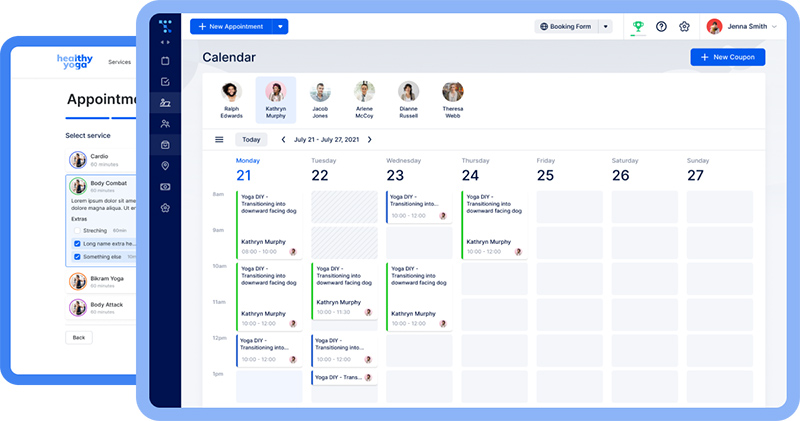
Like with Calendly, Google Meet can be integrated with Trafft. With the Trafft-Google Meet integration, you can integrate your scheduler with your online video platform. With every meeting that you schedule, you will have the option of holding it online with Google Meet. It automatically adds the Google Meet link to your Google Calendar.
Trafft gives you the ability to change the title and description of the event that appears in the events section of Google Calendar. You can add placeholders to these fields as well. You only need to click the respective fields and select the event type from the drop-down menu. By default, Trafft adds {{service_name}} as a placeholder to the title field. It leaves the event description field empty.
Integrate Trafft with Your Favorite Tools
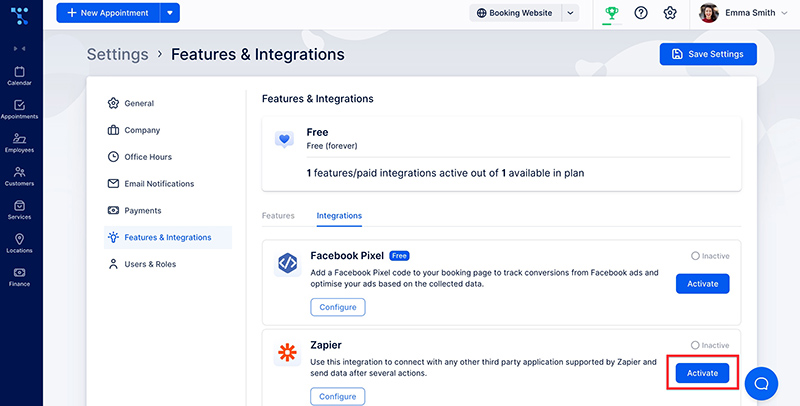
You can connect Trafft with many online business software solutions. You can connect it with tools for processing payments, virtual meeting platforms, like Zapier, and much more. You can contact the developers if you don't see an integration for your favorite tool.
Manage All Schedules in One Calendar
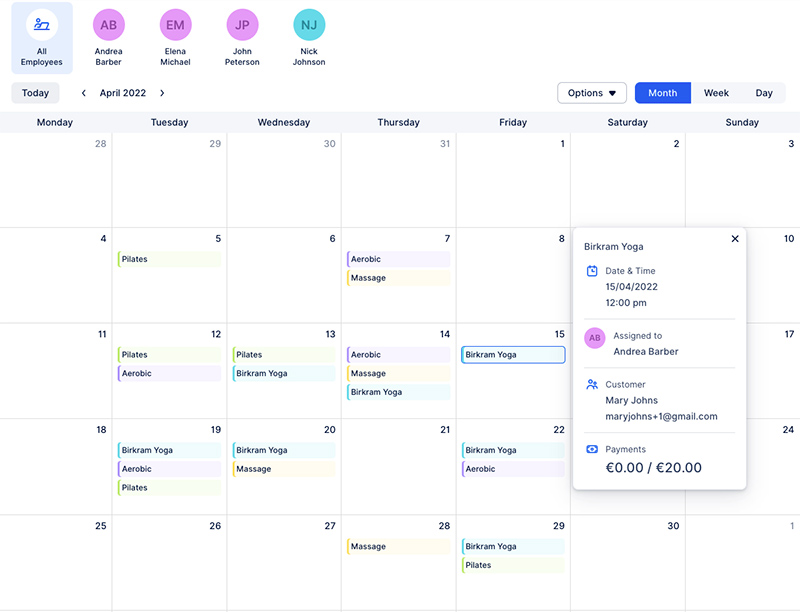
You can manage all your calendars in one place, even those of your employees. You no longer have to waste time by checking the availability of each team member one by one.
Automated Booking and Payment Processing
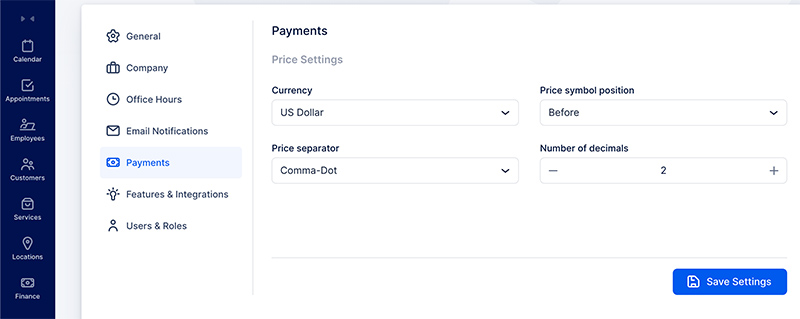
Trafft offers a customizable booking portal for clients, which stimulates early booking. You can embed the booking form into your business' website. Your customers will enjoy the stress-free experience of booking with you.
Appointment Reminders for All Participants
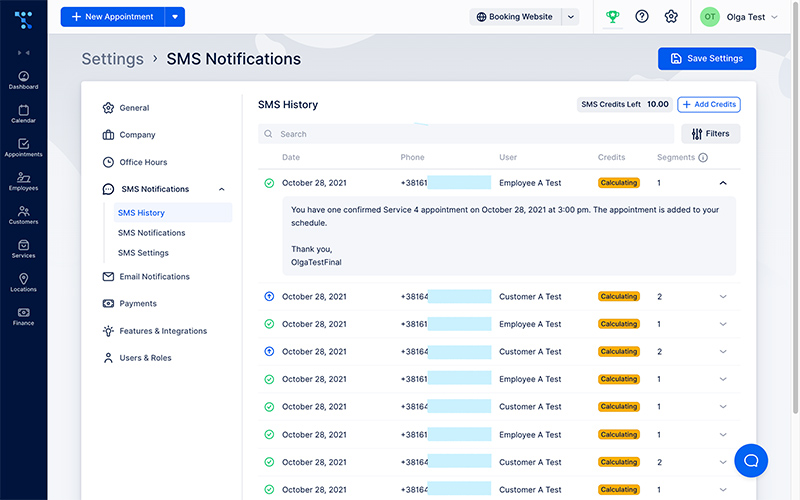
With automatic appointment reminders, no one will have a reason to forget important meetings. Meeting participants will receive a reminder an email or text message. The software also makes sure that staff members and customers receive updates when there are changes in the arrangements.
Monitor Business Performance
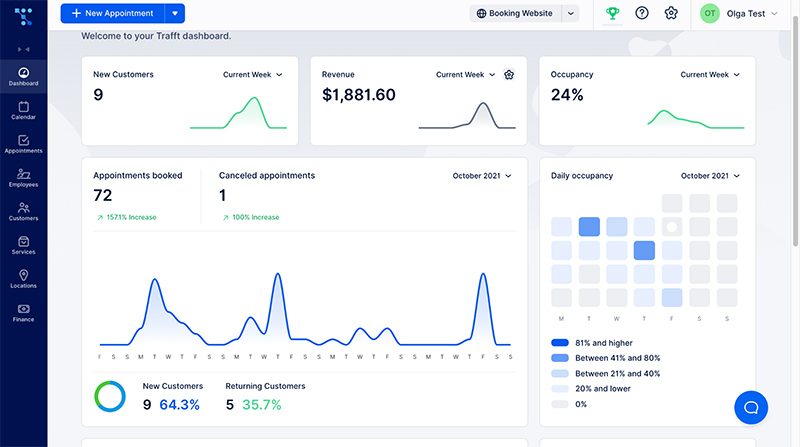
Trafft generates reports on its dashboard of important business indicators and other statistics. You can see your performance and extract where you can improve your business.
Reliable Security and 24/7 Availability
You don't have to lose business because the scheduler is always accessible. The Trafft technology ensures constant online monitoring, alerts, backups, and failover mode. You can be sure that it always works and that it is always safe.
Premium Customer Support

With Trafft, you get a reliable booking system that includes a support team. The support team members will answer any questions that you may have and help you to get the most out of your booking account.
For Whom It Is Recommended
The developers' website shows that it is great for many kinds of industries.
Some that enjoy using it work in health and beauty care, gyms, spas, administration, education, and many other service industries.
It has a wide range of features that cater to the needs of different businesses, whether large or small. Many prefer it over Calendly.
Other Areas Trafft beats Calendly
- The Trafft booking page is simple but powerful. You can customize it yourself and you can add it to your personal website.
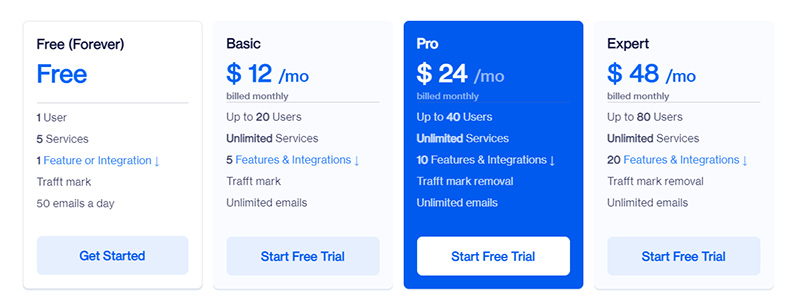
- The basic subscription includes access for 20 users for the flat fee of $12. Calendly costs $8 per month per user.
- The free version of Trafft offers the use of payment portals such as net, PayPal, and Stripe.
- You can automate notifications by text and email.
Trafft - A Fair-Priced Alternative to Calendly
Le free plan is perfect for a small team. You get five services and a custom feature of choice included in this deal.
All plans include email and text notification, as well as:
- booking website
- custom booking flow
- GDPR compliance
- invoices
You decide what you want to include. You can add extra features, such as coupons, multiple locations, group bookings, and more.
Trafft often has exclusive offers on its website.
If you enjoyed reading this article about Calendly-Google Meet integration not working, you should read this one on Vagaro Vs Fresha.
We also wrote about a few related subjects like Acuity or Calendly, Calendly vs Microsoft Bookings, Youcanbook.me reviews, Findtime vs Calendly, Picktime reviews, Picktime vs Clendly, and therapy scheduling software.