Automated appointment reminders for email, SMS and WhatsApp
Trafft's appointment reminder software sends every reminder, confirmation and follow-up for you, and keeps your calendar, payments and apps in sync. Set it up once and let it run.
Appointment reminder software automatically sends clients a message about an upcoming booking, by email, SMS or WhatsApp, at a time you choose before the appointment. It pulls the date, time, service and location from your booking calendar, so nobody has to type or send reminders by hand. Good tools also confirm new bookings, let clients reschedule or cancel from the message, and follow up afterwards.
Reap the benefits of automated appointment reminders
Reduce no-shows with automatic notifications
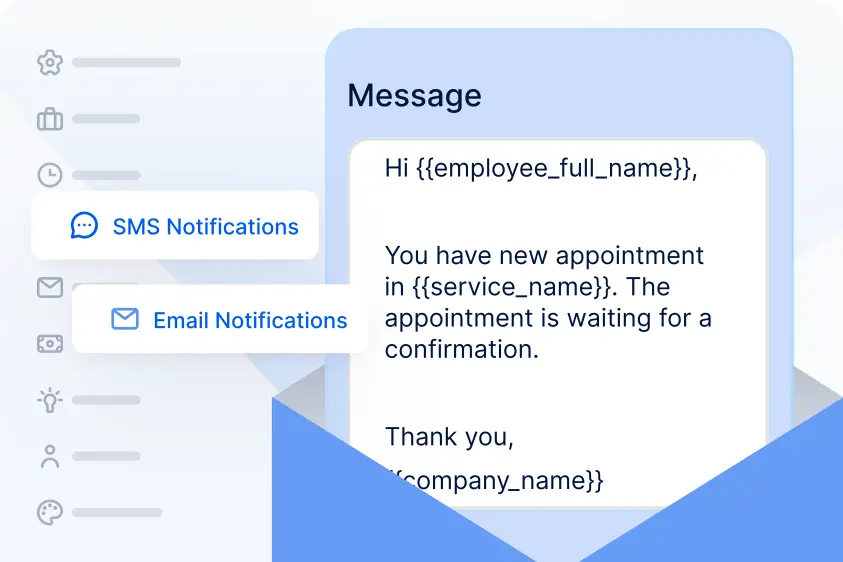
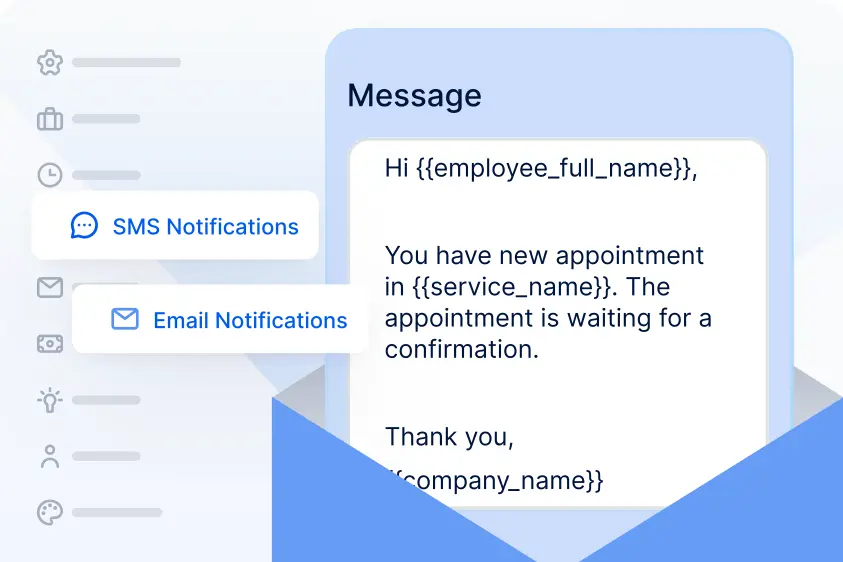
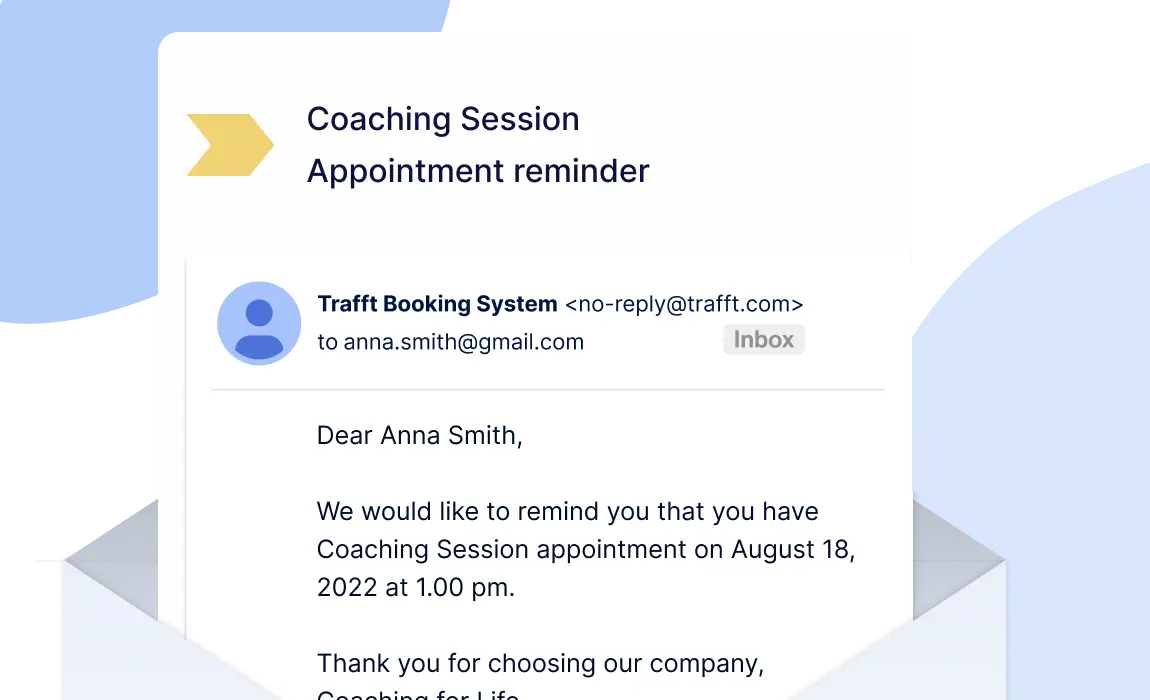
Trafft sends email, SMS and WhatsApp notifications to clients and staff whenever an appointment is approved, pending, rejected, canceled or rescheduled. Scheduled reminders go out anywhere from 30 minutes to 1 week before each booking, and follow-ups after it, so no one has to chase confirmations by hand.
Calendars and apps that stay in sync
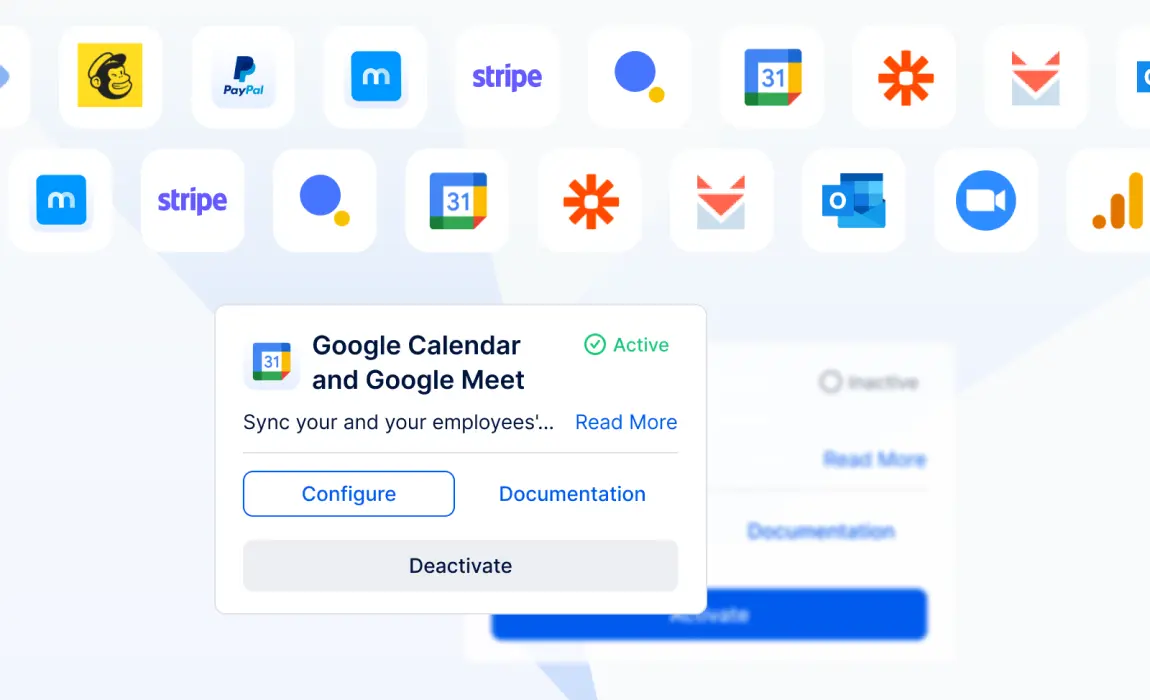
Connect Google Calendar or Outlook so every booking lands in your team's calendar and busy slots are blocked automatically. Send booking data to other apps with Zapier or webhooks when an appointment is booked, canceled, rescheduled or changes status.
Payments and invoices on autopilot
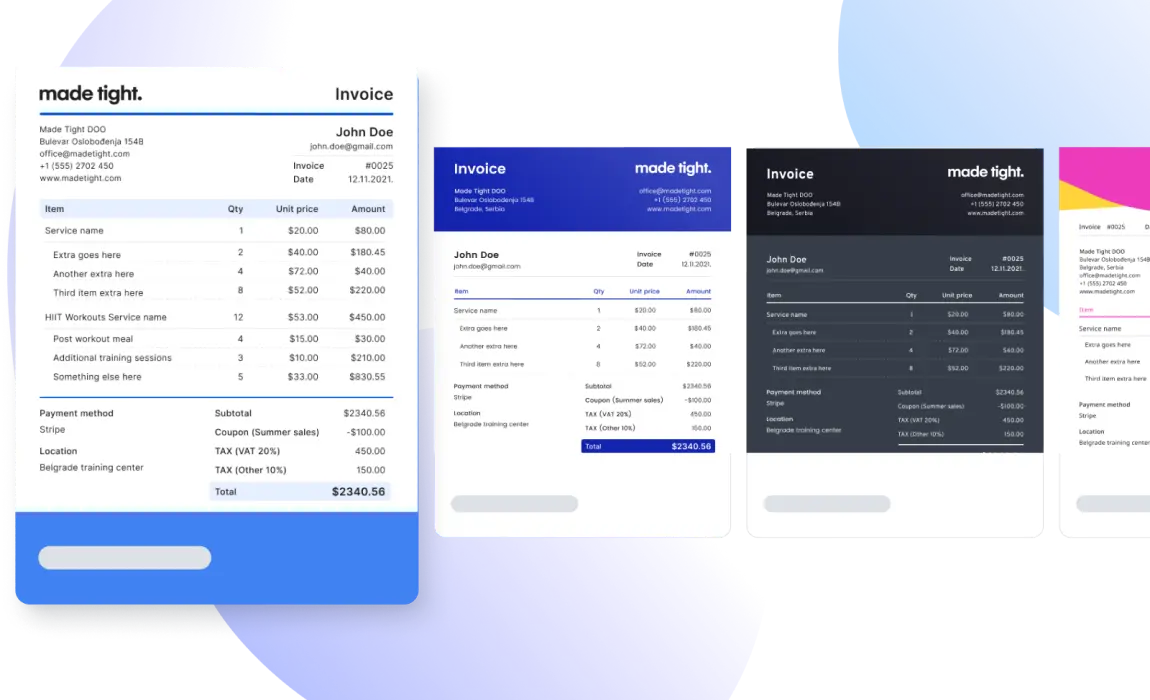
Automate payment processes completely. Customize invoice templates with your logo and brand's colors and automatically send them to your customers. Also, enable your customers to pay for the services through secure payment gateways - PayPal, Stripe, Mollie and Authorize.net.
An automated appointment reminder timeline
Here is how one booking can flow through Trafft's automated notifications. Every step uses settings that exist in Trafft today, and you choose the channel for each one.
At booking
Booking confirmation
The Appointment Approved (or Pending) notification goes out as soon as the client books.
1 day before (default)
Appointment reminder
The built-in reminder can be set anywhere from 30 minutes to 1 week before the appointment.
A few hours before
Second reminder
Add a custom scheduled notification, for example 2 hours before, on plans that include Custom Notifications.
If plans change
Reschedule or cancel
Reschedule and cancel links in the message let clients change the booking, and Trafft sends the Rescheduled or Canceled notice.
30 min to 1 week after
Follow-up
Thank the client, share aftercare or invite them to book again with the Appointment Follow Up template.
Example SMS reminder (Trafft fills in the details from the booking):
Hi Anna, this is a reminder of your haircut with Mia tomorrow at 10:00. Need to change it? [short reschedule link]
“Trafft is like having someone taking care of the always-the-same mail-work around the booking process. It is easy to set up, great to adapt to own style, looking stylish and fresh - and the support is stellar!”
MS Ferrando Driving InstituteRobust online appointment booking system
“Over and over, I'd say Trafft answered my prayers. With a business with tons of bookings, a user-friendly and economic system is what I need. Trafft has made everything seamless for me as the owner and the admin of my company.”
“Great tool, exceptional service! Trafft has been intuitive to use and implement. I love the look and feel of the program and how it integrates into my websites. I can't wait to see how the company continues to grow and improve this tool. I have tried many scheduling tools, and Trafft has been the easiest and best to implement. Thank you!”
160 characters per segment (70 with emojis or special characters)
Uses message templates you create in your Meta business account
Setup
Default templates are on from day one
Add credits in Settings > SMS Notifications
Enable WhatsApp in Integrations and connect a Meta developer app
Sender name
Your company, with an optional reply-to address
Custom alphanumeric sender ID where the destination country allows it
Your WhatsApp business number
Plan availability and SMS pricing can change. Check the pricing page for what is included in each plan.
Reminder channels and booking integrations
Email Notifications
Configure and customize your email notifications to suit your needs. Default templates for confirmations, reminders, follow-ups and no-shows, with placeholders, reschedule and cancel links, and up to 3 Cc and 3 Bcc recipients.
SMS Notifications
Configure and customize your SMS notifications to suit your needs. Edit notifications for upcoming appointments, appointment follow-ups, status changes, and more. Text reminders paid with SMS credits, with a custom sender ID where your country allows it and a full SMS history.
WhatsApp
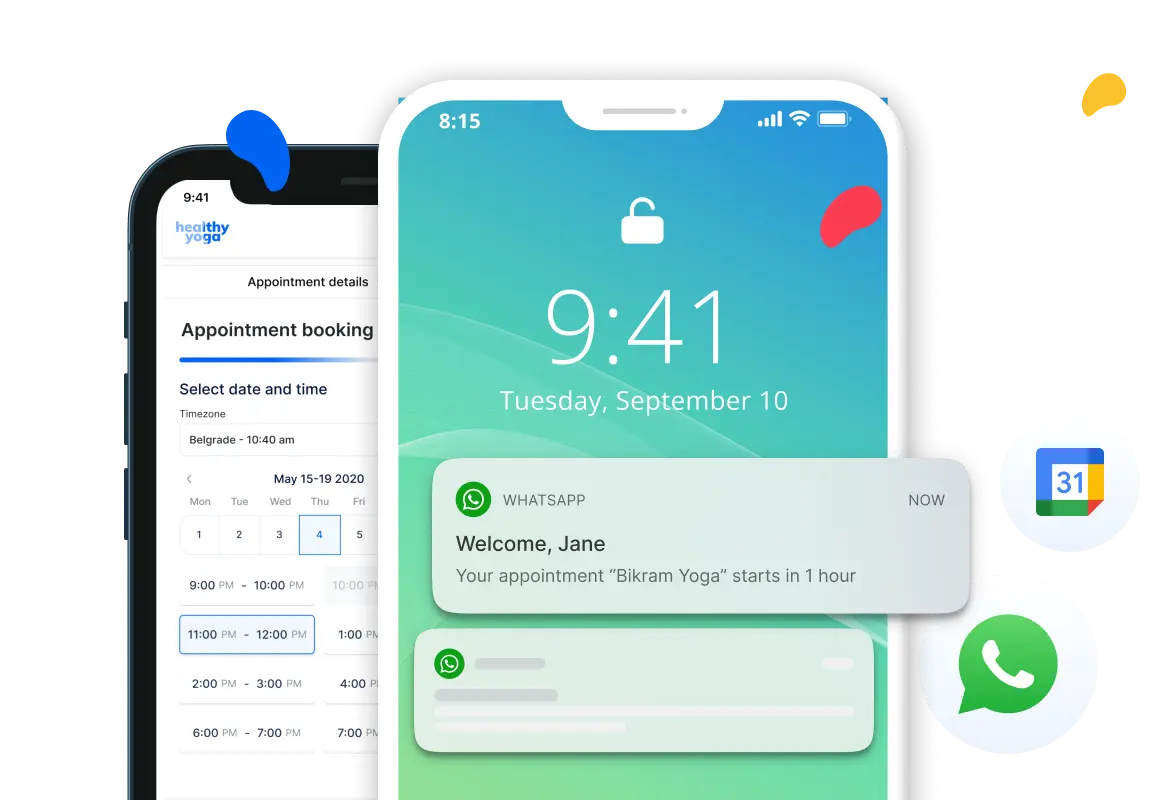
Trafft’s integration with WhatsApp allows you to send your customers and employees notifications about upcoming appointments through WhatsApp. This integration will help you retain your customers and reduce no-shows.
Google Calendar
Two-way availability sync: Trafft bookings appear in your calendar, and events you add there block those times in Trafft.
Outlook Calendar
Sync your and your employees' personal and professional events by connecting Outlook calendars. Appointments booked in Trafft will be added to Outlook calendars, and Outlook calendar's busy slots will not be available for booking in Trafft.
Mailchimp
With just a few clicks, you can effortlessly send customer data, including names and emails, directly from your Trafft account to MailChimp. This integration enables you to leverage lead nurturing and retention strategies effectively.
SendFox
Grow your audience and create targeted email campaigns in SendFox. Automatically transfer customers' data from Trafft to SendFox.
Zapier
Use integration with Zapier to connect with any other third-party application supported by Zapier and send data after events in Trafft such as booking the appointment, rescheduling, with triggers like: Booking Completed, Canceled, Status Changed, Rescheduled and Customer Created.
How to set up automated appointment reminders in Trafft
Email reminders work as soon as you create an account. These steps cover the full setup, including SMS and a second reminder.
Open your notification templates
Go to Settings > Email Notifications. Every default template except Birthday Greeting is already enabled.
Set the reminder timing
Open the Appointment Reminder template and choose when it is sent, from 30 minutes to 1 week before the appointment (the default is 1 day). Set it for both customers and employees.
Personalize the message
Add placeholders for the client name, service, time and location, plus the reschedule and cancel link placeholders.
Turn on SMS reminders
In Settings > SMS Notifications > SMS Settings, click Add Credits, then edit the SMS versions of the same templates. Use the short link placeholders in SMS.
Add a second reminder (optional)
Click +Create Notification, choose Scheduled and set it to go out before the appointment, for example 2 hours. Available on plans that include Custom Notifications.
Connect WhatsApp (optional)
In Integrations, enable WhatsApp and click Set Up to connect your Meta app and message templates.
Send a test and save
Use Send Test Email or Send Test SMS from the template's three-dot menu, then click Save Settings.
Appointment reminder software automatically messages clients about upcoming bookings by email, SMS or WhatsApp at a time you set. Trafft builds this into its booking system, so reminders use the real appointment details and go out without anyone sending them by hand.
How far in advance should you send appointment reminders?
Many businesses send one reminder a day before and a short second one a few hours before. In Trafft the default reminder goes out 1 day before, and you can set it anywhere from 30 minutes to 1 week. You can add a second scheduled reminder with Custom Notifications.
Can I send appointment reminders by text?
Yes. Trafft sends SMS reminders to clients and staff using SMS credits. A standard SMS segment holds 160 characters (70 if you use emojis or special characters). Longer messages are split into segments and charged per segment.
Can Trafft send WhatsApp appointment reminders?
Yes, on plans that include WhatsApp Messaging. You enable WhatsApp in Integrations and connect a Meta developer app with your message templates. After that, WhatsApp works like SMS and email notifications.
Can I send appointment reminders for free?
Email reminders are included on the Free plan, up to 200 email notifications a month across all notification types. Paid plans include unlimited email notifications. SMS reminders always use credits.
How much do SMS reminders cost in Trafft?
SMS pricing depends on the destination country and the number of segments per message. You can buy credits once or on a recurring monthly plan that adds bonus credits, and some plans include monthly credits. Contact support for your country’s rates.
How many reminders can I send per appointment?
Each client and staff member gets the built-in Appointment Reminder. On plans with Custom Notifications you can add more scheduled reminders, set in minutes, hours, days or weeks before the appointment.
Can clients reschedule or cancel from a reminder?
Yes. Add the reschedule or cancel link placeholders to your templates. Clients click the link to pick a new time or cancel, and Trafft sends the matching notification.
Do staff get appointment reminders too?
Yes. Reminder, approved, pending, rejected, canceled and rescheduled notifications all have separate employee versions.
Does Trafft sync with Google Calendar and Outlook?
Yes. Bookings are added to connected Google or Outlook calendars, and busy slots in those calendars aren’t offered for booking.
What is the best appointment reminder app?
Trafft is one of the best appointment reminder apps because it runs automated reminders for every channel your customers use: SMS, email and WhatsApp + it has iOS and android apps so you can manage everything from your phone.
Can't find the answer you're looking for?
Feel free to reach out to our friendly team for help.












 Continue reading on

 Continue reading on